Let recruiters know you are available, Reset your Credentials & Device Security.
2 min
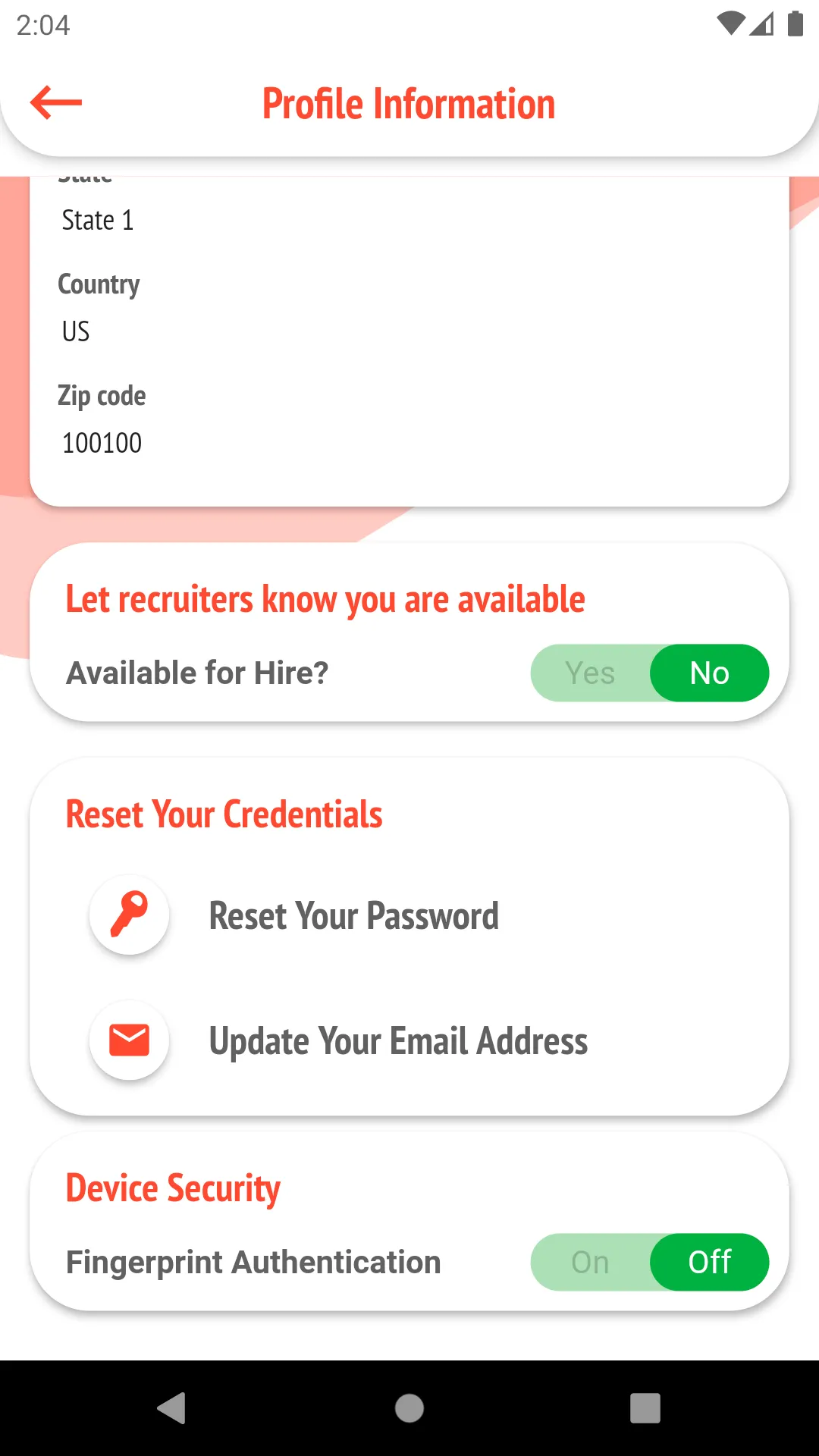
- Toggling between Yes or No for "Available for Hire", lets people know that you are available and shows that on your profile page.
- Toggling between Yes or No for "Fingerprint Authentication", enables or disables Fingerprint authenticated access to your Headstrt App on that particular.
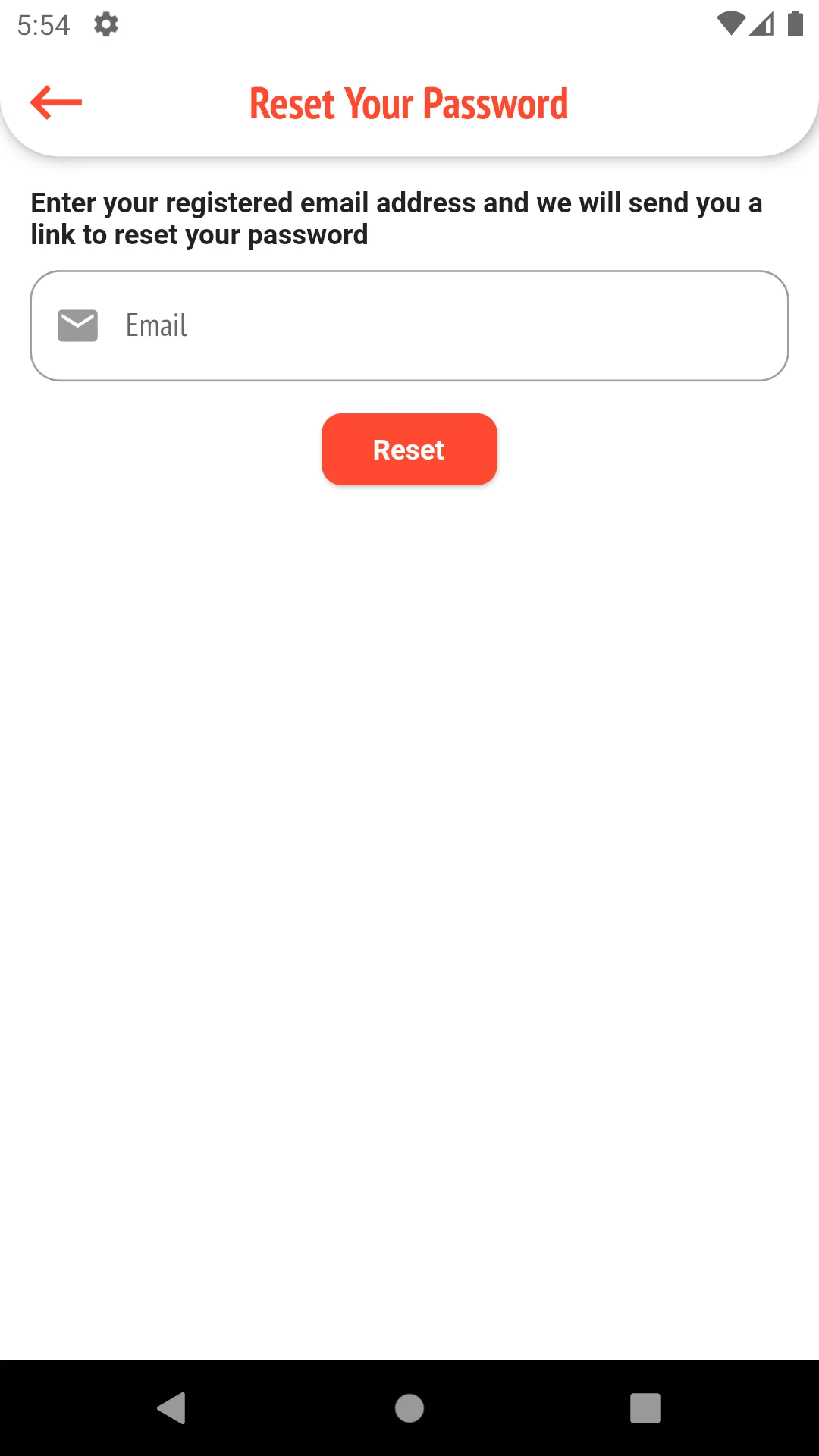
- Tapping "Reset Your Password" will push you to the below screen.
- Tapping "Update Your Email Address" will push you to the below screen.
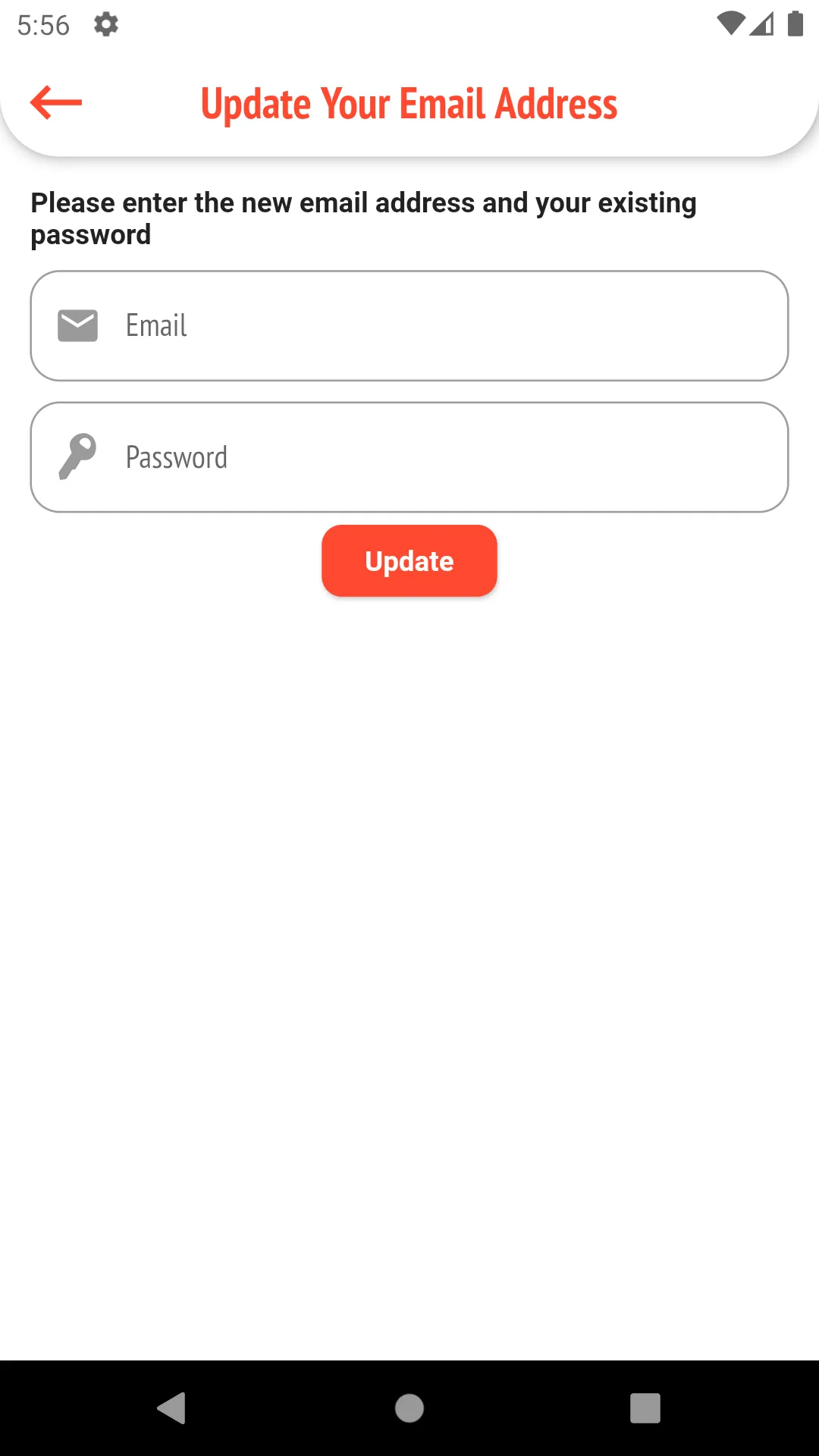
- where you will have to input:
- New Email Address
- Existing Account Password
- Clicking update users will receive a verification email.
- Users will have to confirm the email update by clicking on the link in the verification email.