Login
4 min
This is where existing or new email-verified users can log in to their Headstrt accounts.
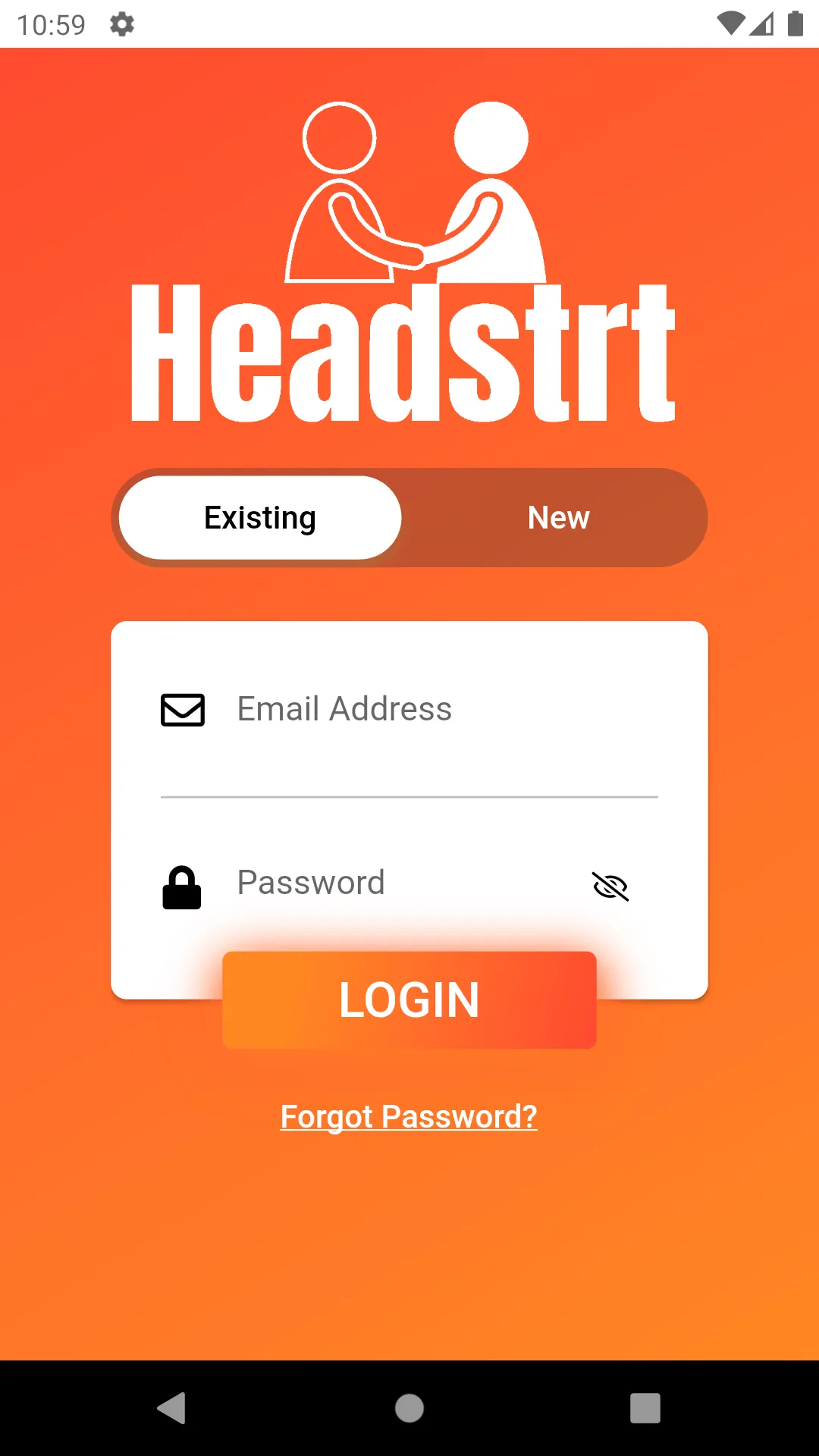
Here in Existing/Sign-in/Login, we have the following mandatory fields :
- Email Address - your Headstrt account verified email address.
- Password - the password for that account.
Finally hit the Login Button.
- If the user has been successfully authenticated, they are navigated into the app.
- else,
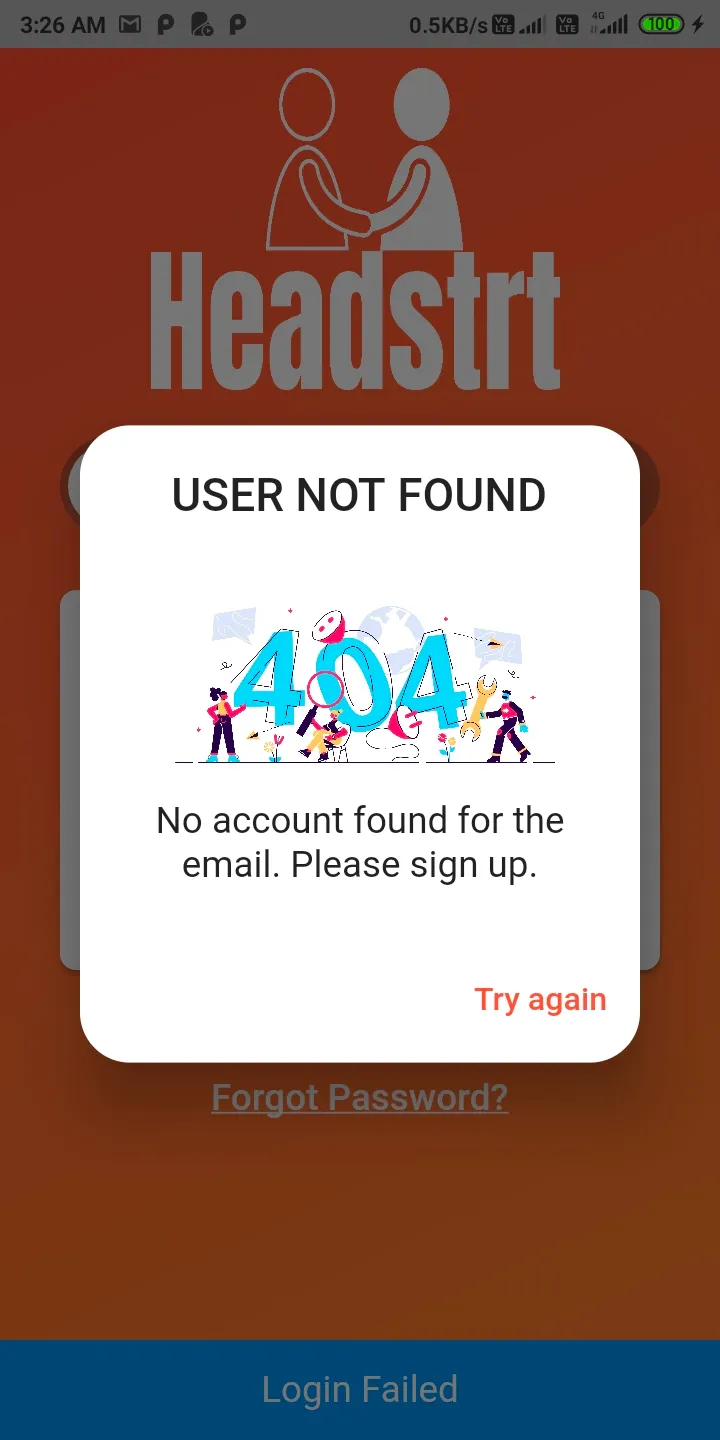
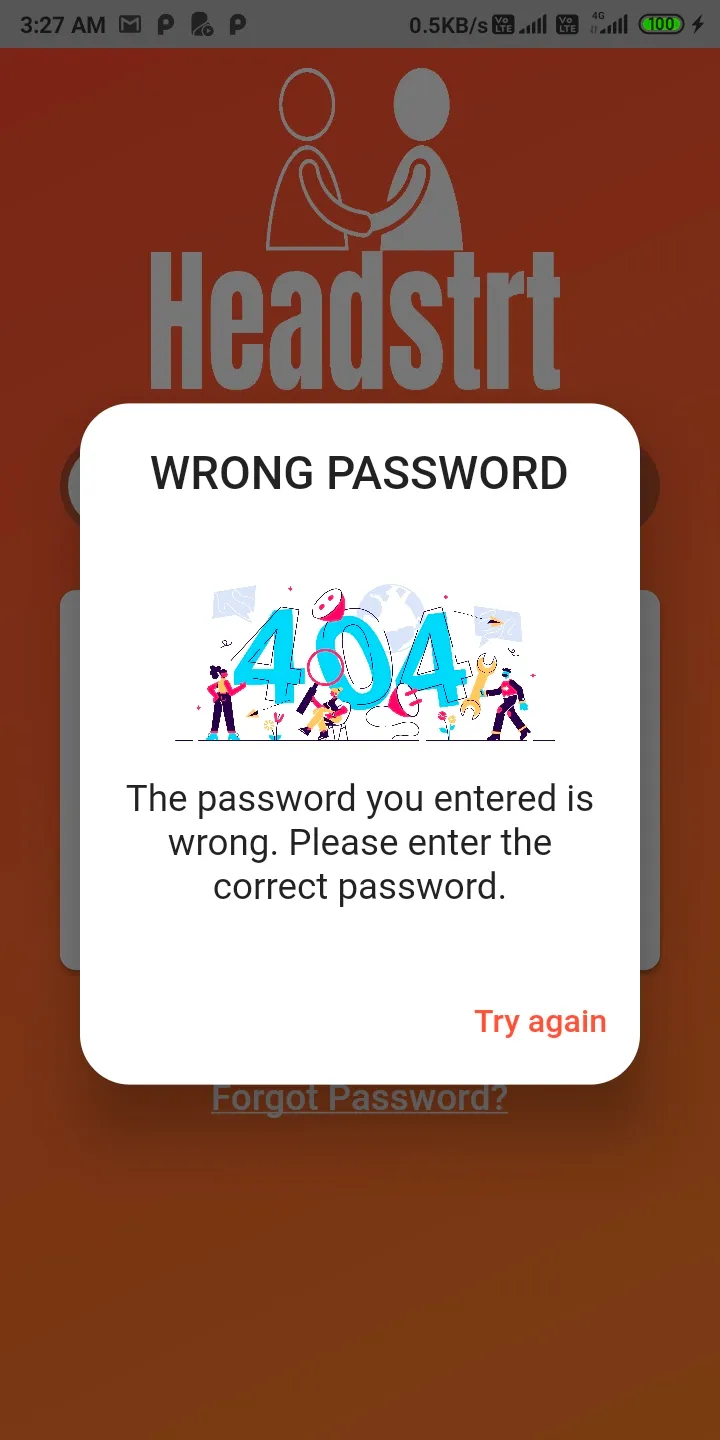
- This pop-up is shown if the password entered against a particular Headstrt linked email address is not correct.
Now, if users have forgotten their passwords.
- They can always tap the "Forgot Password?" option located right below the login button
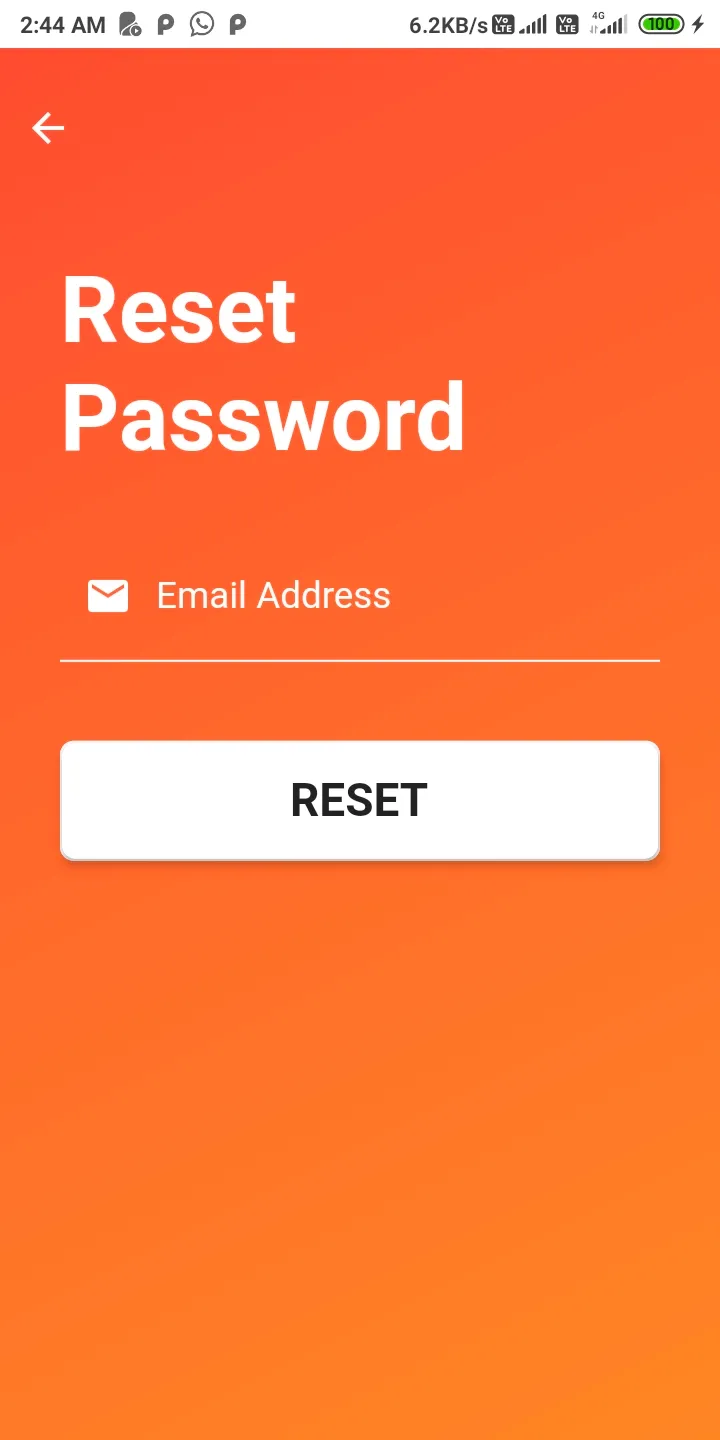
- On inputting the Headstrt account linked email address and clicking on the Reset button, a reset password link will be sent to that user's linked email address