Signup
2 min
This is where new users can sign up for their very own Headstrt accounts.
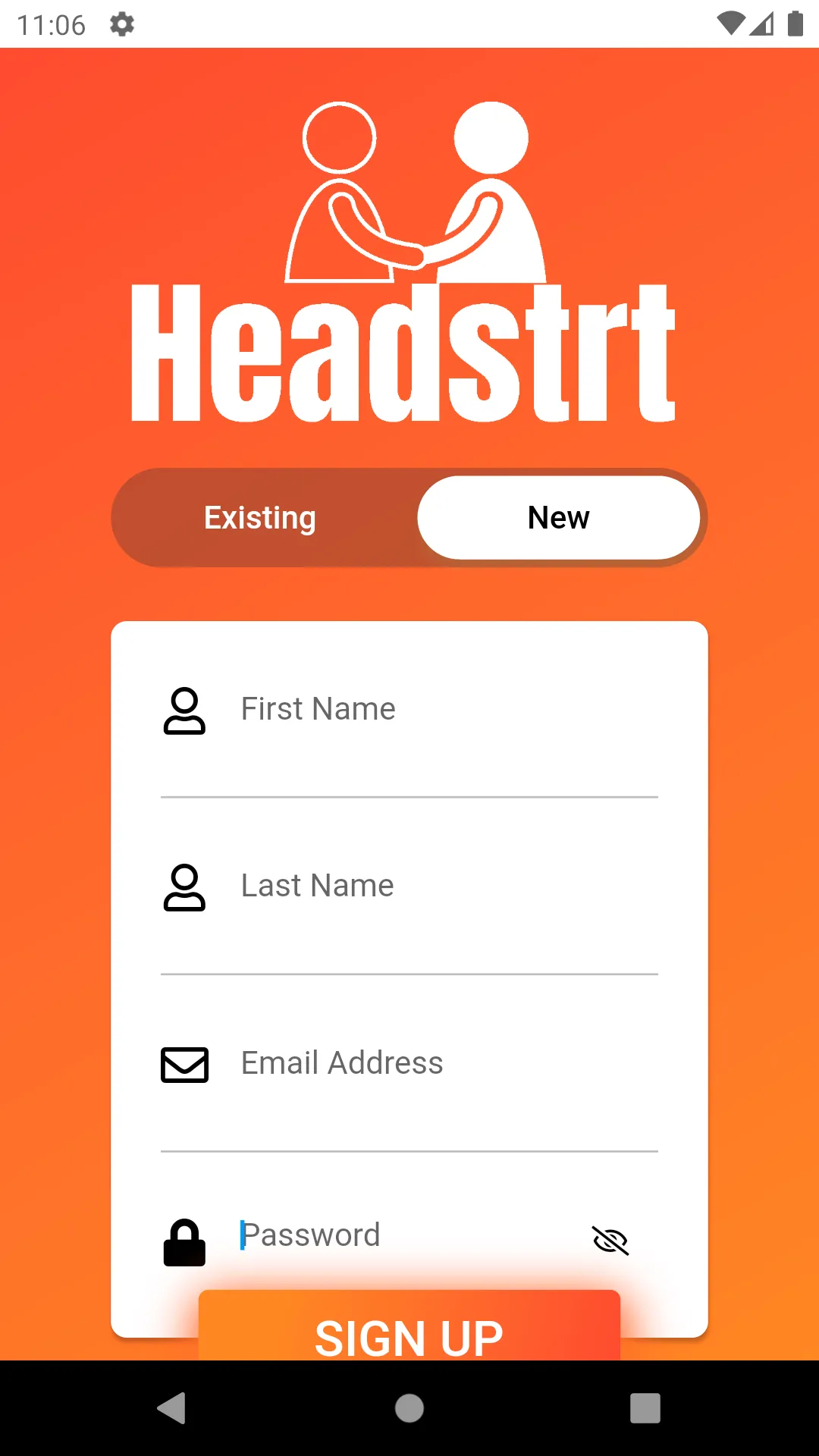
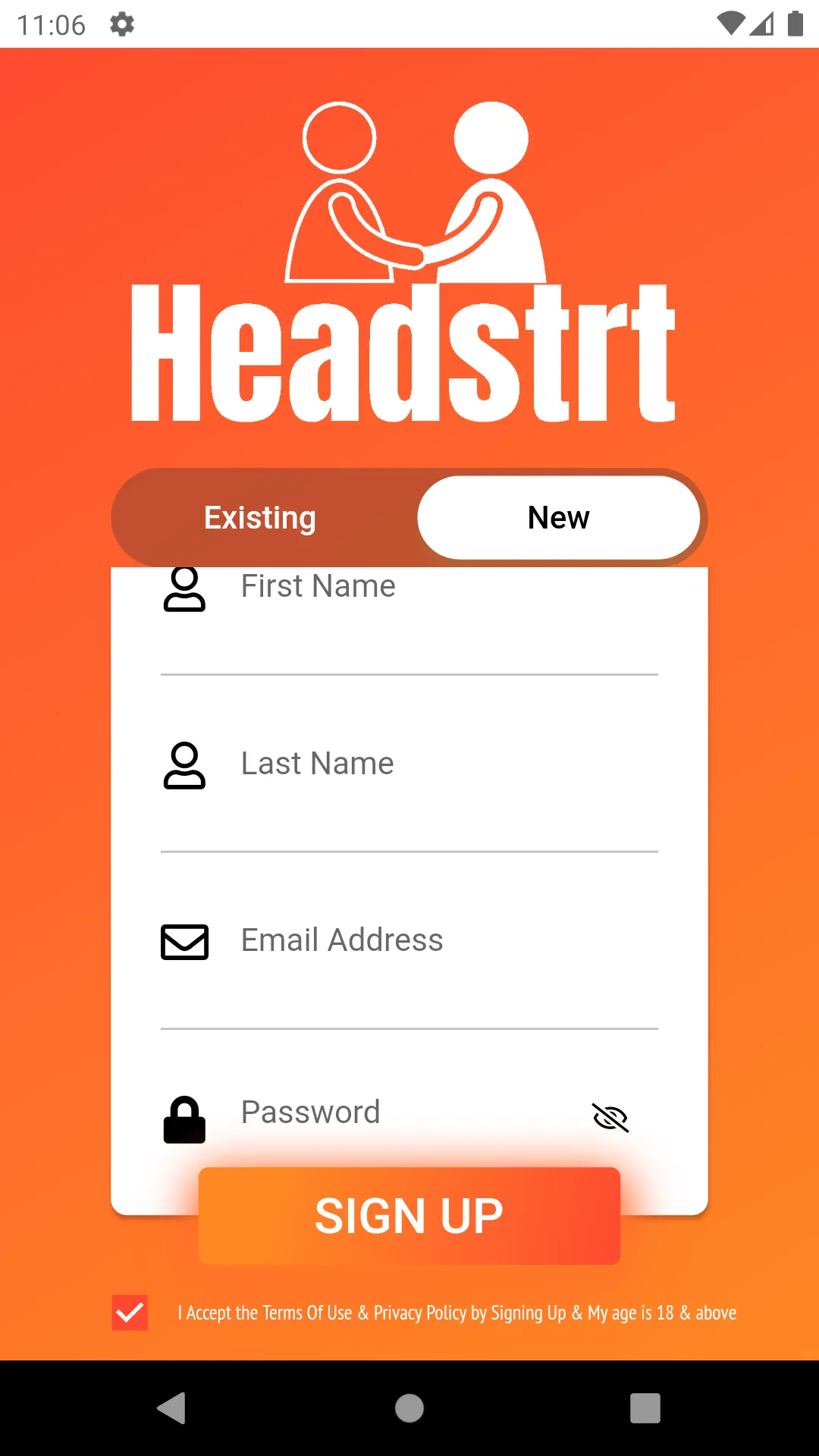
Here in Signup/Register, we have the following mandatory fields :
- First Name - your first name.
- Last Name - your last name.
- Email Address - the mail address you wish to link to your Headstrt account.
- Password - The password you wish to set for your Headstrt account. The following are the password guidelines that must be met :
- minimum of 8 characters
- 1 lower case,
- 1 number,
- 1 upper case, &
- 1 special character
- Terms and Conditions Checkbox
Finally, hit the Sign Up button.
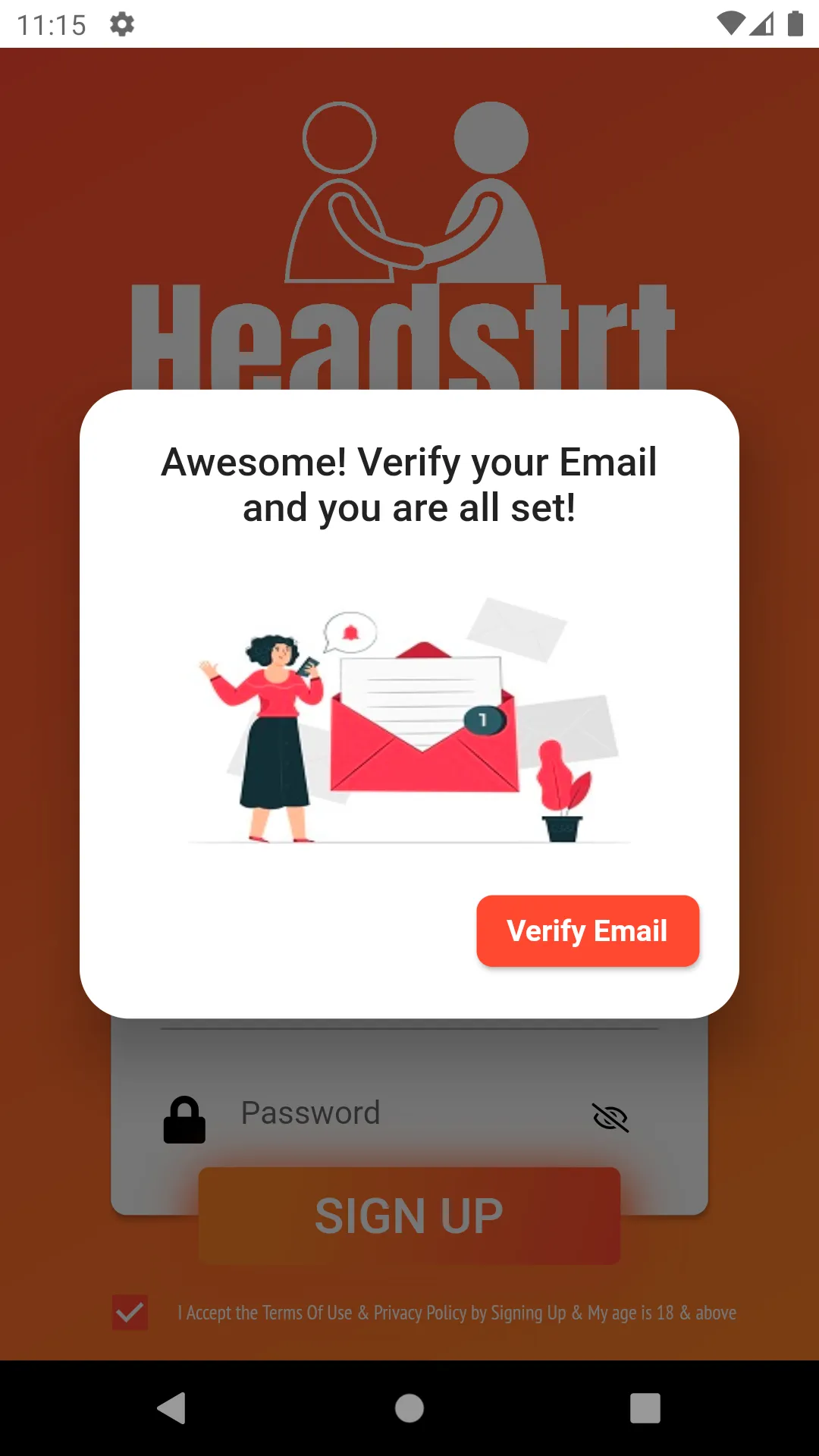
- The user is prompted with a pop-up to verify their email address by opening the account verification email sent to their email address as soon as the signup button is clicked.
- The "Verify Email" button should navigate the user to their respective mobile email clients.